A 3D desktop clock for MS Windows 11, 10, ... and MS Server OS with various settings!
Update on: 16 June 2024
Suitable for : Windows 12 & 11, Windows 10, 8.1, 7, ... , Server 2012-2025, 2022, x64, x32, x86
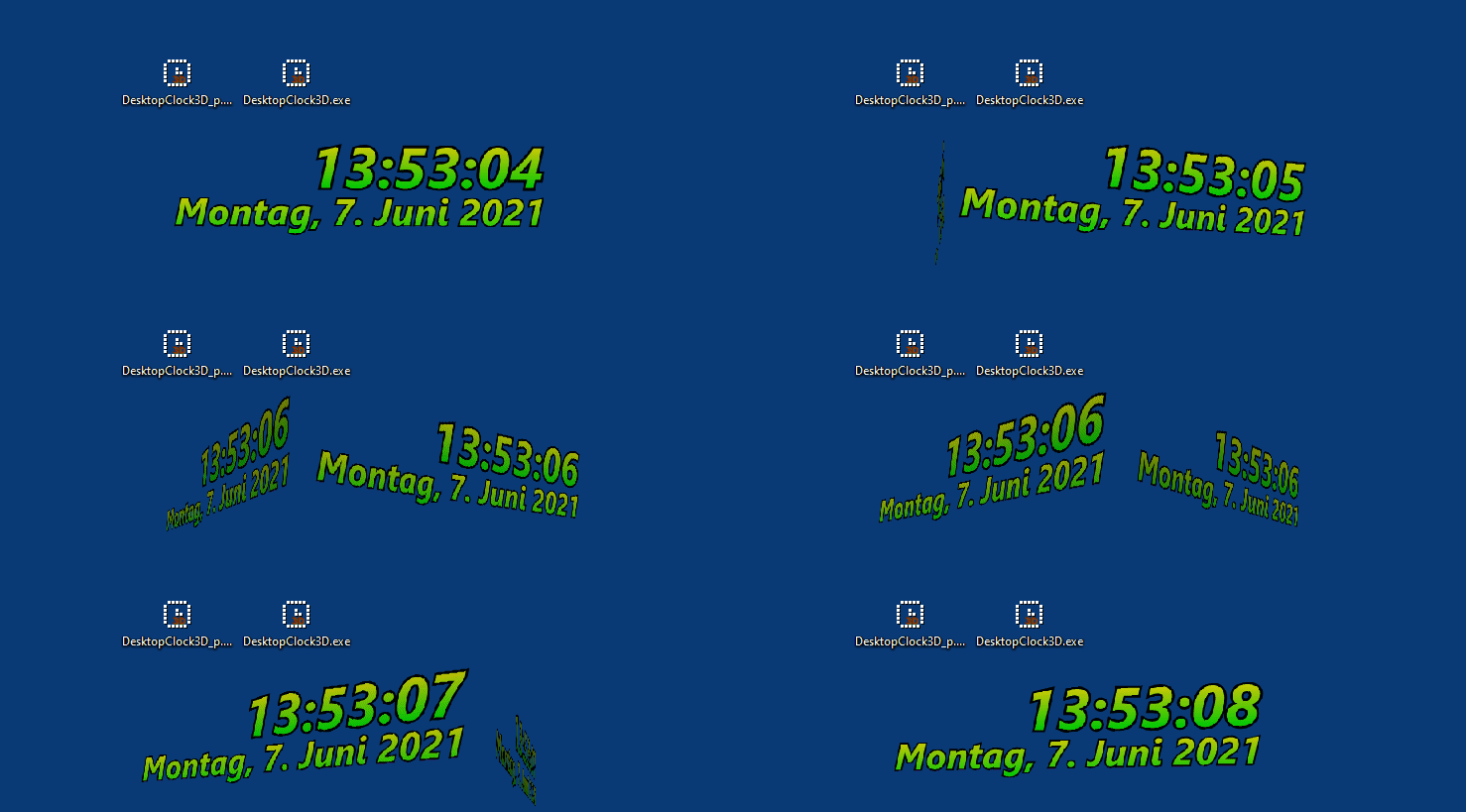
A simple, but also beautiful 3D Windows desktop clock with different fonts, themes and individual adjustments.
A 3D clock for all Windows operating systems from the desktop clocks category on Software OK!
Key functions in the 3D desktop clock
◆ Optional transparency of the desktop clock
◆ Multiple themes for the clock
◆ Optional seconds display
◆ Re-sizable
◆ Freely selectable font
◆ Analog, digital, 3D text
◆ Fixed position on the screen
◆ Freely selectable position on the desktop
Other features / specifications:
◆ Hardly any CPU or RAM load
◆ Full Unicode character set support
◆ Optional translation function
◆ Optional as a portable app
◆ Multilingual
Created at the request of multiple users, for a 3D desktop clock for Windows 10, 8.1, ... that appears in 3D on the desktop. So I worked hard and realized this 3D desktop clock for all Windows operating systems, not only for desktop PCs, but also for tablet PCs and, for example, MS Surface Pro / GO.
It is really a very decorative 3D desktop clock that shows the local time and date on the desktop.
The basic functions: total transparency, size setting, font, as well as the selection of different 3D clock themes are available and can be customized.
This 3D Windows desktop clock can be expanded according to personal requirements and the ideas of the user.
Have fun with this nice Windows desktop clock. With less than 400 KB, a very small piece of software that is not a waste of space, RAM or CPU on Windows computers.
A simple example of the use of the 3D desktop clock
Start the 3D desktop clock. The first time you will be presented with the desktop clock options. Just select the topic you want.
After the program is open, move the desktop clock on the Windows desktop and adjust the size of the desktop clock.
I have prepared some nice clock topics, because for the average user it is an impertinence to generate your own and requires knowledge of an experienced Windows user.
You can change the 3D desktop clock settings at any time using the To-Tray icon on the Windows desktop taskbar.
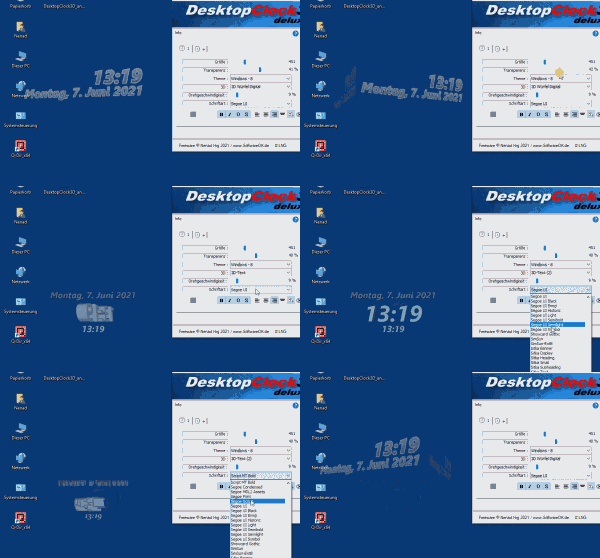
| (Image-1) A 3D desktop clock for MS Windows all OS with various settings! |
 |

3D desktop clock installation or portable
Optional is the installable and portable version of the 3D desktop clock in the download area. The 3D desktop clock does not necessarily have to be installed, it can be started comfortably from the desktop, even without installation, and can be used immediately on all Windows operating systems. Thus, this desktop digital clock for Windows can be used as a portable application.
For portable use, add a "_p" to the execution file, so it becomes a portable application, practical for use on a USB stick !
After downloading the 3D desktop CLOCK , you can simply place it on the desktop from the zip folder, with less than ~ 400 KB it is no burden! As a zip file, it fits on a Floppy disk !
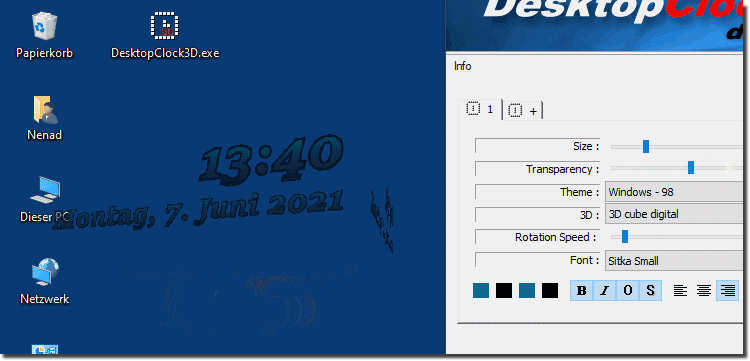
| (Image-2) A 3D desktop clock for MS Windows all OS with various settings! |
 |
# DesktopClock3D Versions History
| New in version 1.96 // 16 June 2024
Updated language files in the 3D Desktop Clock APP
Tested and error-free on the latest operating systems Windows 11 24H2 Microsoft 2024 Update
| New in version 1.93 // 1 March 2024
Small fine-tuning in the 3D desktop clock application for MS Windows OS.
Important update to the 3D desktop clock APP language files
| New in version 1.92 // 27 September 2023
Corrections in the uninstall routine of the 3D Desktop Clock APP
Update of language files and new languages in the 3D Desktop Clock: Flemish
Many thanks to Pierre VdC for the Flemish language.
| New in version 1.91 // 20 August 2023
New code sign certificate for DesktopClock3D.exe
Important tests of 3D Desktop Clock APP for the next MS Windows 11/10 update
Updating language files in the 3D Desktop Clock application
| New in version 1.88 // 28 March 2023
Bug-Fix: allows to change the colors or the fonts or the sizes, etc.
General corrections and update of the language files
New languages in DesktopClock3D : Hungarian
Thanks to Timinoun for the Hungarian language.
|
... complete Versions History
| # DesktopClock3D is multilingual and a popular program worldwide: |
Program Keys:
The use
The transparent 3D desktop clock is suitable for: Windows 12, Windows 11, Windows 10, Windows 10 Pro, Windows 10 Enterprise, Windows 10 Home,
Windows 8.1, Windows 8.1 Enterprise and Pro, Windows 8, Windows 8 Enterprise and Pro,
Windows 7, Windows 7 Enterprise, Windows 7 Home Basic, Windows 7 Home Premium + Professional, Windows 7 Starter + Ultimate,
, X64, x86 and x32 all Windows, MS Windows Server 2019, 2016,2012, .
* A 3D desktop clock for MS Windows 11, 10, ... and MS Server OS with various settings!
# Thanks+
|

 DE
DE COM
COM